

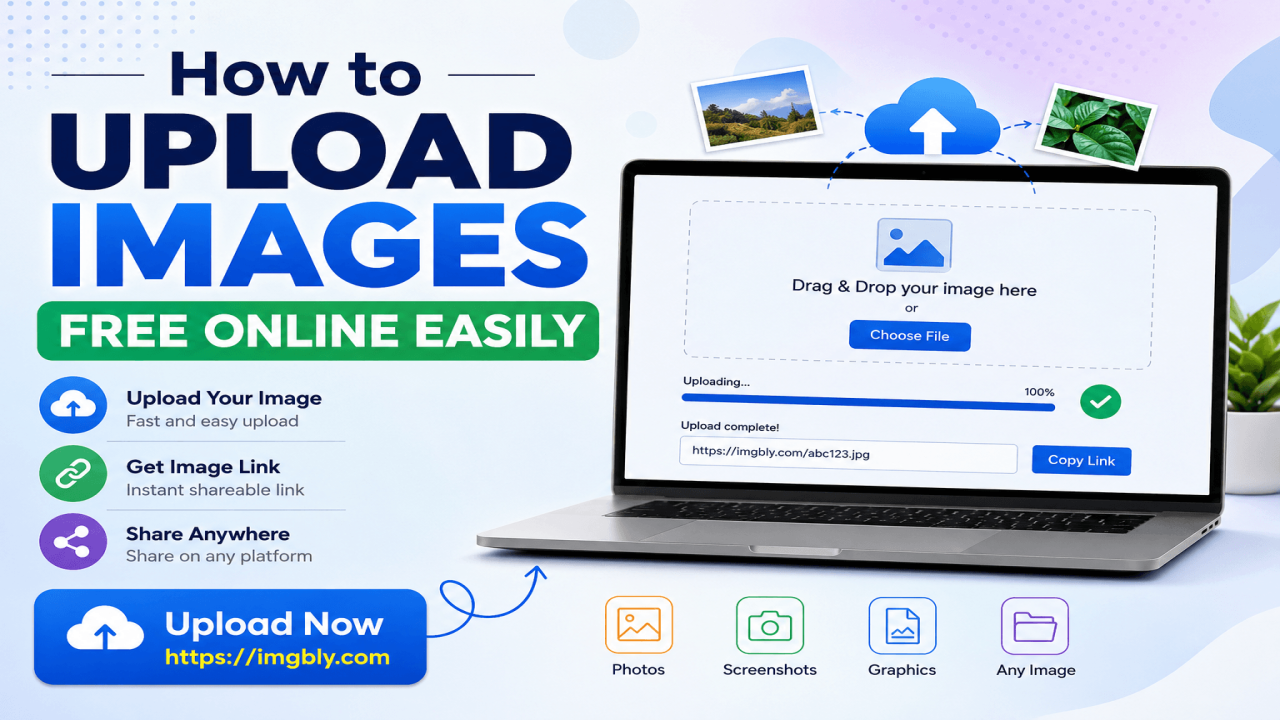
How to Upload Images Free Online Easily
Uploading images online has become a daily need for many people. Whether you are a blogger, student, business owner, freelancer, designer, or social media user, you may often need a quick and simple way to store and share images. Instead of sending large image files through email or messaging apps, you can use a free online image sharing site to upload your image and share it with others using a direct link.
If you want a simple platform to upload images without complicated steps, you can Upload now and start sharing your images online easily.
What Does It Mean to Upload Images Online?
Uploading images online means saving your photo or image file on an internet-based platform. After uploading, the platform gives you a link that you can copy and share anywhere. People can open the link and view your image from their browser.
This is useful when you want to share:
- Product images
- Blog post images
- Screenshots
- Personal photos
- Portfolio graphics
- Design samples
- Social media images
- Website banners
- Documents converted into image format
A free image upload site makes the process faster because you do not need to install software or use heavy storage apps.
Why Use a Free Image Sharing Site?
A free image sharing site is helpful because it saves time and makes image sharing easier. You can upload your image within a short time and get a shareable link. This is very useful for online communication, website content, customer support, marketplace listings, and digital marketing.
For example, if you are writing a blog post, you can upload your featured image online and use the image link where needed. If you are working with a client, you can upload a design preview and send the link instead of attaching a large file.
Free online image uploading is also useful for people who do not want to create complex cloud storage folders. A simple image hosting platform gives you a quick solution for daily image sharing.
How to Upload Images Free Online Easily
Uploading images online is usually very simple. Most image sharing platforms follow the same basic process.
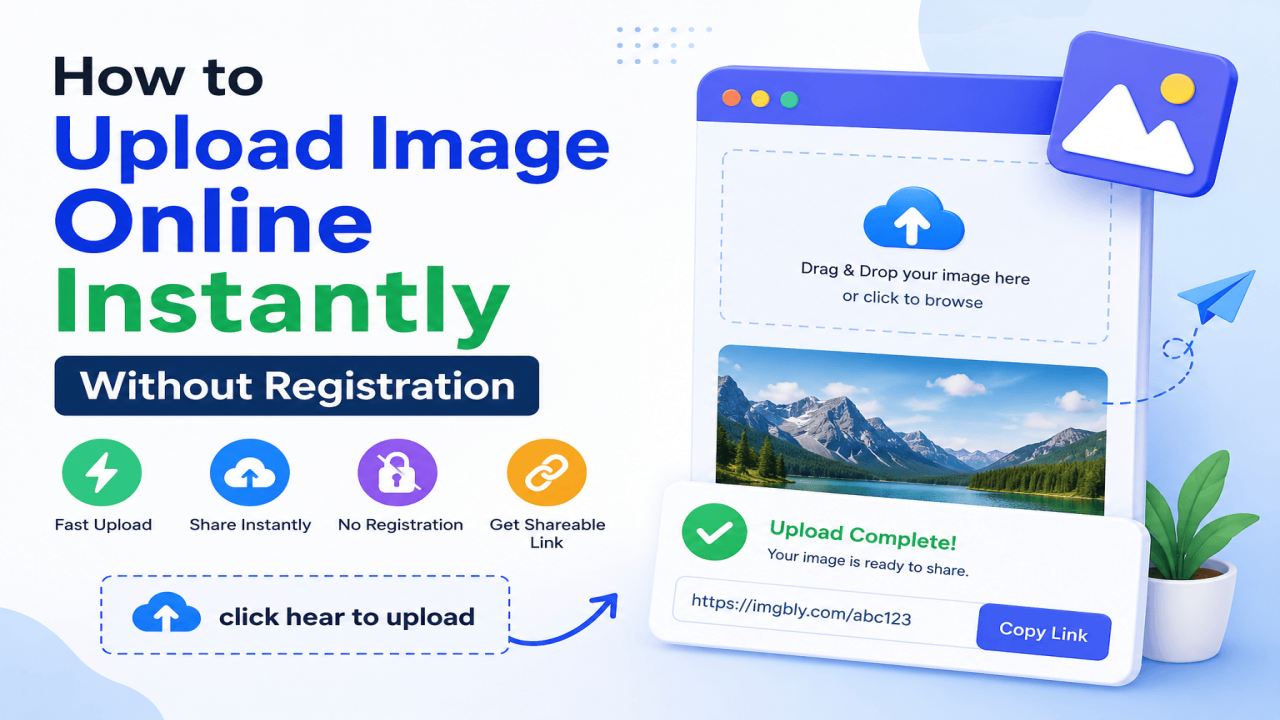
First, visit the image upload website. Then choose the image file from your computer or mobile device. After selecting the file, click the upload button and wait for the image to be uploaded. Once the upload is complete, copy the image link and share it wherever you want.
A good image sharing site should be fast, simple, and easy to use. It should allow users to upload common image formats such as JPG, PNG, JPEG, GIF, and WebP. The platform should also make it easy to copy the uploaded image link.
Benefits of Uploading Images Online
There are many benefits of using an online image upload platform. The biggest benefit is convenience. You do not need to carry image files everywhere or send the same file again and again. You can upload once and share the link multiple times.
Another benefit is accessibility. Your uploaded image can be viewed from different devices, including mobile, tablet, laptop, and desktop. This makes it easier for teams, customers, readers, and friends to access your image.
Online image sharing also helps reduce file size problems. Many email platforms and messaging apps have file size limits. By uploading the image online, you can simply share the link instead of attaching a large file.
Best Uses of Online Image Uploading
Free image uploading is useful for many purposes. Bloggers can use it for blog images, screenshots, and visual examples. Business owners can use it to share product images, service graphics, and promotional banners. Designers can upload portfolio samples and send preview links to clients.
Students can use image sharing sites for assignments, project screenshots, and study materials. Online sellers can upload product photos and share them with customers. Digital marketers can use image links in campaigns, landing pages, and social media posts.
This makes free image hosting a practical tool for both personal and professional use.
Tips for Uploading Images Properly
Before uploading an image, make sure the file is clear and properly named. A good file name can help you organize your images better. For example, instead of using a random name like “IMG_2026.jpg,” you can rename it to “business-banner-design.jpg” or “product-photo-blue-shirt.jpg.”
You should also use the correct image size. Very large images may take more time to upload and load. If possible, compress the image without losing quality. For blog posts and websites, optimized images can improve loading speed and user experience.
Also, avoid uploading private or sensitive images on public platforms unless you are sure about the privacy settings. Always check what type of image you are uploading and where you are sharing the link.
Why Imgbly Is Useful for Image Sharing
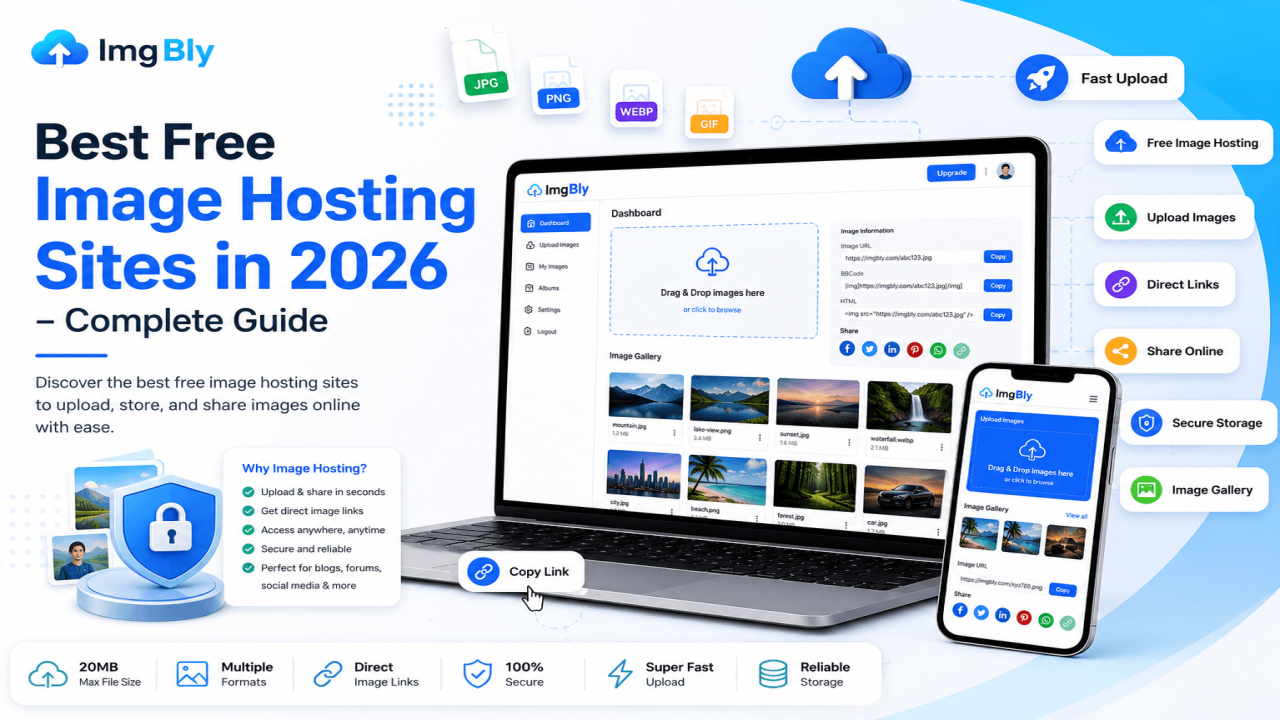
Imgbly is an image sharing site that helps users upload images online easily. It is suitable for people who need a quick way to share photos, screenshots, graphics, and other image files. The platform can be used by bloggers, designers, business owners, students, freelancers, and general users.
The main purpose of an image sharing site is to make uploading and sharing simple. Instead of wasting time with complex tools, users can upload their image and get a link that can be shared online.
For anyone looking for a simple image upload solution, click hear to upload and share your images online easily.
Conclusion
Uploading images free online is one of the easiest ways to store and share visual content. It helps save time, reduce file sharing problems, and make images accessible from anywhere. Whether you need to share a screenshot, product photo, blog image, design sample, or personal picture, a free image sharing site can make the process simple.
If you want a fast and easy solution, using an online image upload platform like Imgbly can help you upload, manage, and share your images without complicated steps.
Comments (0)